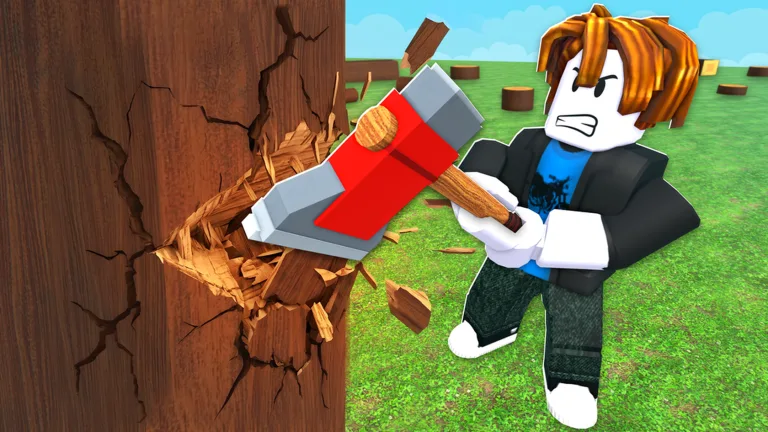
Master Chop A Forest: How to Play Roblox Lumber Guide
Learn how to play Chop A Forest on Roblox with this ultimate beginner guide. Discover tips to cut trees, sell logs, and upgrade tools efficiently.
Published: Chop A Forest Wiki Editorial Team
Video Guide
🐾🌲 CHOP A FOREST ROBLOX PART 1! 🪓🔥 CHOP TREES, COLLECT WOOD & GROW STRONGER! 💪 | LIVETable of Contents
Introduction to Chop A Forest on Roblox
If you have ever wanted to test your logging skills in a virtual environment, learning chop a forest how to play is your first step toward mastering this addictive Roblox simulator. Understanding the core mechanics early on is vital because it determines how fast you can progress from a novice woodcutter to an elite lumber tycoon. Developed by WCT Capital, this incremental simulation offers a rewarding progression system where every single chopped tree brings you closer to ultimate in-game wealth.
Are you ready to accept a massive payout to clear out an entire woodland area? In this guide, we will break down the essential strategies you need to know about chop a forest how to play, helping you optimize your time and maximize your coin earnings. Whether you are playing solo or teaming up with friends, these proven tactics will give you an immediate advantage.
The foundation of the game revolves around a simple yet satisfying cycle of gathering, selling, and upgrading. According to community reports, players who stick to an efficient routine progress significantly faster than those who wander aimlessly.
Here is a quick breakdown of the primary gameplay loop:
Break Trees: Approach any tree in the forest and use your starting tool to begin chopping.
Collect Logs: Gather the dropped logs into your inventory until you reach your current capacity limit.
Sell Logs: Head over to the designated selling area to exchange your accumulated lumber for coins.
Upgrade Tools: Invest your earned coins into better axes and specialized classes to increase your chopping speed.
Action Phase
Primary Goal
Main Reward
Chopping
Chop down trees efficiently
Raw Logs 🪵
Selling
Trade resources at the shop
Coins 🪙
Upgrading
Purchase superior gear
Higher Efficiency 📈
Essential Tips for Beginners
Jumping into a new Roblox experience can feel overwhelming without a proper game plan. Based on player experience, beginners often make the mistake of upgrading random items instead of focusing on core gear progression. To make your journey smoother, keep these actionable tips in mind:
Focus on Tool Upgrades First
Do not waste your early coins on cosmetic items. Prioritize upgrading your primary chopping tool to increase your damage output and reduce the time it takes to fell tougher trees.
Start by chopping the closest available trees to minimize walking time.
Deposit your logs frequently to prevent inventory overflow or accidental losses.
Save up your coins for the highest-tier axe available in the shop rather than buying incremental sidegrades.
Progression Milestones and Achievements
As you dive deeper into the gameplay of chop a forest how to play, you will notice various milestones designed to track your logging journey. Hitting these targets not only provides a sense of accomplishment but also reflects your growing expertise in the simulator.
First Steps
Join the official Chop A Forest Roblox Game Page and complete your very first session to understand the basic controls and interface layout.
Lumber Milestone
Progress from felling your first 10 trees to reaching the 100-tree milestone, which unlocks faster resource gathering techniques and better gear access.
Milestone Target
Description
Recommended Strategy
First Join
Enter the game world
Familiarize yourself with the shop and tree locations
10 Trees Fell
Complete introductory logging
Focus on basic axe upgrades
100 Trees Fell
Reach intermediate tier
Team up with friends for faster clearing
Frequently Asked Questions
What is the main objective of Chop A Forest?
The primary goal is to cut down as many trees as possible, collect logs, sell them for coins, and continuously upgrade your tools to become the ultimate lumber tycoon.
Can I play this game with my friends?
Yes! The game fully supports both solo and friend runs, and your progress saves automatically so you can pick up right where you left off.
How do I get better tools in Chop A Forest?
You need to chop trees to gather logs, sell those logs for coins at the shop, and use the currency to purchase advanced axes and classes.
Is Chop A Forest difficult to learn for beginners?
Not at all. Learning chop a forest how to play is very straightforward thanks to its incremental simulation design and intuitive mechanics.